



Introduction: The Coolpix S4000 at a Glance
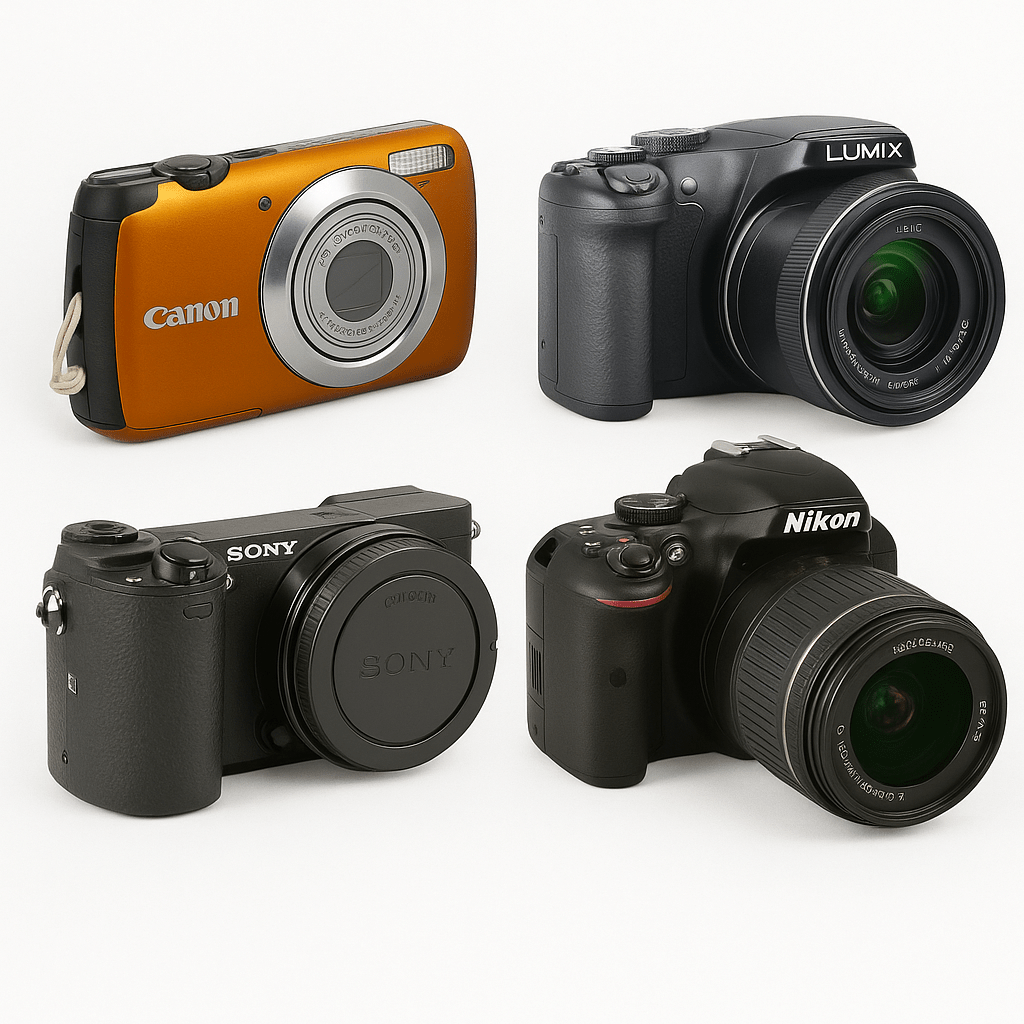
The Nikon Coolpix S4000 is a slim point-and-shoot from the days when compact cameras competed on thin bodies and big screens. It belongs with the digital compact cameras: one built-in zoom lens and a large screen on the back, with 12.0 million pixels behind it.
What sets it apart from many rivals is how you operate it. The 3-inch screen is a touchscreen with roughly 460,000 dots, so a lot of the interaction happens with a fingertip instead of a cluster of buttons. Add the portrait helpers and it suits quick, relaxed snapshots.

Shooting with a pocket compact like this tends to be about speed and spontaneity. You switch it on, frame the scene on the big screen and press the shutter.
Design Roots and Historical Background
A consumer compact built around the screen
Nikon announced the Coolpix S4000 in February 2010. The design philosophy is easy to read from the body: a flat, slab-like shape of about 94.5 x 56.5 x 20.4 mm, excluding projections, with the screen taking up most of the back.
At roughly 131 g, it is easy to carry in a jacket pocket or a small bag.
Colours and personality
Nikon sold the S4000 in six colours, among them red, black, pink and plum. When you browse Nikon cameras, you may find one of these colours.
Key Technical Highlights
Lens and image quality
The lens is a NIKKOR 4x optical zoom with a focal length of 4.9-19.6 mm. In 35mm terms that equals 27-108 mm, which runs from a fairly wide view to a short telephoto. The resolution is 12.0 million effective pixels.
Screen and video
The 3-inch touchscreen has about 460,000 dots. It doubles as your viewfinder. The camera also records HD video with sound, saved as AVI files.
Helpers for everyday shooting
Motion Detection raises the shutter speed and ISO automatically when the camera senses shake or a moving subject. Nikon describes the effect as roughly 2 stops of extra shutter speed. The Smart Portrait set adds skin softening, a smile timer, a blink warning and red-eye correction. Power comes from an EN-EL10 Li-ion battery, rated by Nikon for about 190 shots.
- 12.0 million effective pixels
- NIKKOR 4x zoom, 27-108 mm in 35mm terms
- 3-inch touchscreen, about 460,000 dots
- HD video with sound in AVI format
- About 131 g with battery and SD card
Modern-Day Use in 2026
Where the S4000 excels
A dedicated compact with a real optical zoom still has its place. The S4000 gives you a genuine zoom lens and a separate battery, and it keeps photography apart from your phone.
Use it for:
- Casual portraits with the Smart Portrait helpers.
- Holiday snapshots where the 4x zoom lets you frame from a distance.
- Party and family photos with a smile timer and blink warning.
- Short HD clips when you just want a quick memory.
Practical shooting tips
- Shoot in good light whenever possible; small compacts do their best work outdoors or near a window.
- Hold the camera with both hands and tuck your elbows in, especially at the long end of the zoom.
- Let Motion Detection do its job, but expect that a higher automatic ISO costs some fine detail.
- Keep a spare charged battery in your bag, because the rated life is about 190 shots.
Buying and Maintenance Guide
What to check before buying used
Used compacts vary a lot, so a short inspection pays off. Work through this list before you commit:
- Switch the camera on and check that the lens extends and retracts smoothly, without grinding.
- Run through the full zoom range and look for hesitation or noise.
- Test the touchscreen across all corners, including taps and swipes.
- Look at the lens for dust, haze or scratches.
- Open the battery compartment and look for corrosion on the contacts.
- Take test photos and a short video, then review them.
Take a photo of a plain wall and zoom in on the result. Spots that appear in the same place every time point to dust or dirt.
Power and storage
The S4000 uses the EN-EL10 Li-ion battery, which Nikon rates at about 190 shots per charge. Older batteries lose capacity, so a replacement may be worth considering. Storage is internal memory plus SD or SDHC cards; MMC cards are not supported.
- Charge the battery fully before a test session.
- Pick a card from a known brand and format it in the camera.
- Take the battery out if you will not use the camera for a few months.
Basic care and accessories
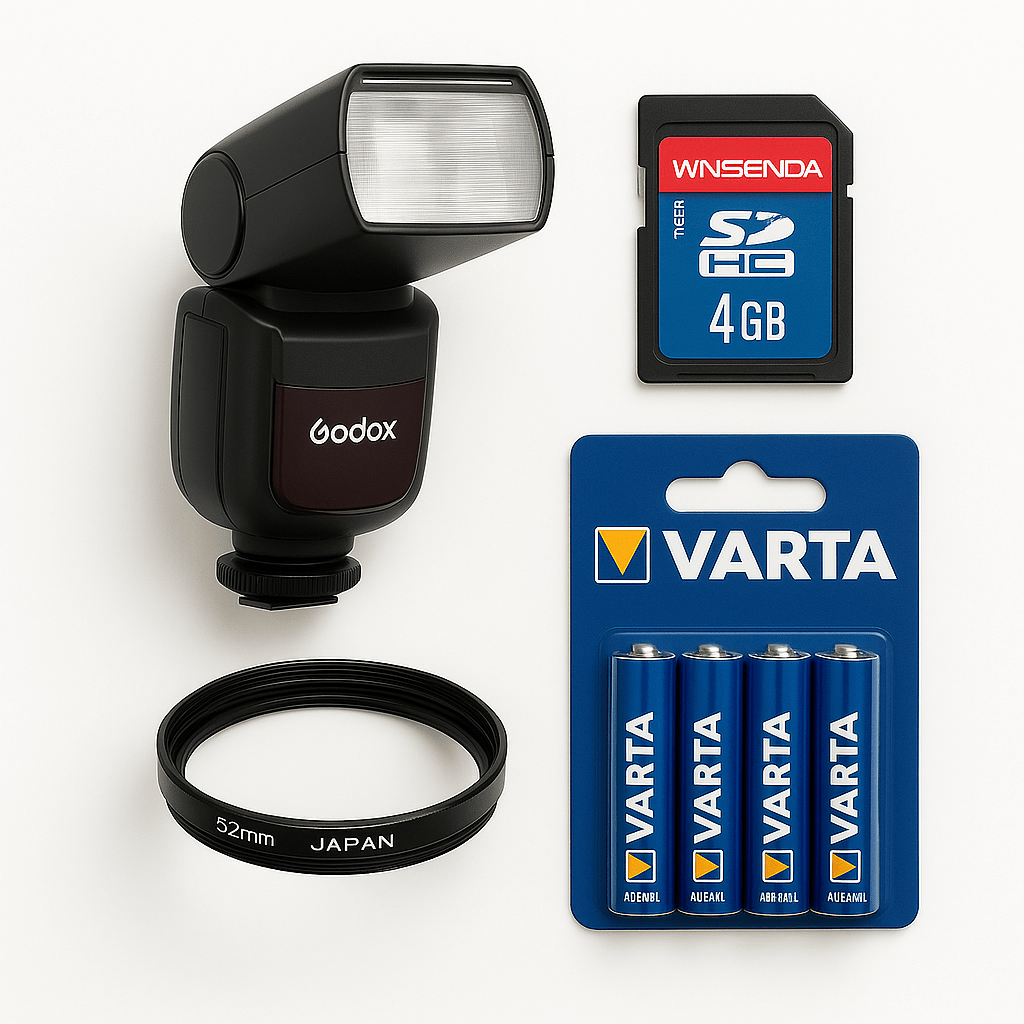
A few simple photography accessories keep a compact in good shape:
- A soft pouch to protect the screen and lens from keys and coins.
- A microfiber cloth for the touchscreen and lens.
- A spare battery and a fitting charger.
- A reliable SD or SDHC card.
Conclusion: Small, Simple, Still Useful
The Nikon Coolpix S4000 is a compact built for easy snapshots. Its 12.0 million pixels, 4x NIKKOR zoom and touchscreen cover most everyday scenes, while Motion Detection and the Smart Portrait tools help with the common trouble spots of shake and group photos.
It will not replace a modern interchangeable-lens camera, and it does not try to. If you want a light, uncomplicated camera that fits a pocket and keeps the process simple, a well-checked S4000 is a pleasant way to get there.
FAQs
What memory cards does the Coolpix S4000 use? It saves to SD and SDHC cards and also has internal memory. MMC cards are not supported.
Which battery does the Coolpix S4000 use? It uses the EN-EL10 Li-ion battery. Nikon rates it at about 190 shots per charge.
Can the Coolpix S4000 record video? Yes. It records HD video with sound, saved as AVI files.
What is Motion Detection on the S4000? When the camera senses shake or a moving subject, it raises the shutter speed and ISO automatically. Nikon describes the gain as roughly 2 stops.
Where can I find the Coolpix S4000 manual? The original instruction manual is available as a free PDF download on this page, under the first photo. Please note that it is the Japanese version of the manual.
Ready to explore cameras like the Coolpix S4000? Browse our digital compact cameras, see all digital cameras, or find more from Nikon at DutchThrift.com.
Sources: Nikon press release for the Coolpix S4000 (nikon.com) and the Nikon Coolpix S4000 instruction manual (Japanese PDF).