


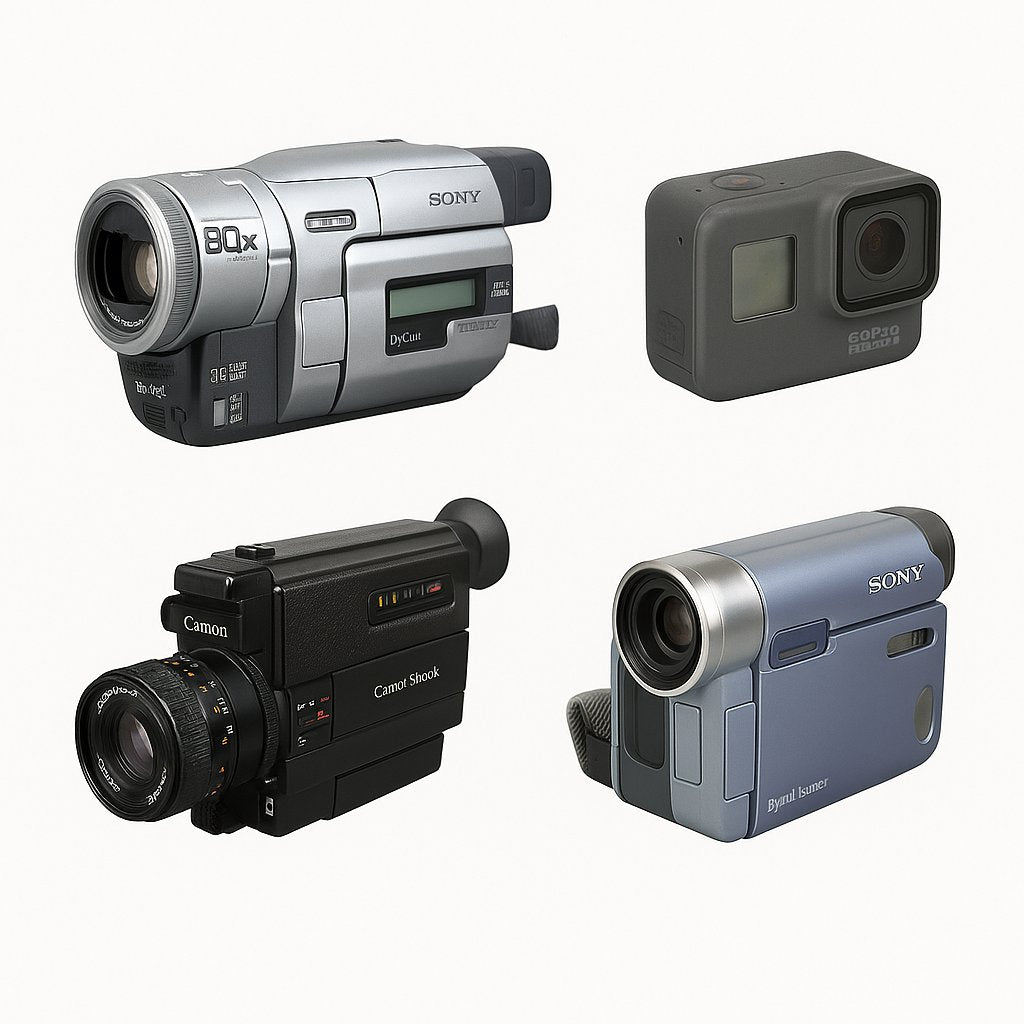

A Short History of the Panasonic SDR-SW20
The Panasonic SDR-SW20 arrived in an era when pocket digital camcorders were redefining how we recorded everyday life. Instead of fragile tape mechanisms or bulky hard drives, it embraced SD cards and a rugged, waterproof design that encouraged spontaneous, worry-free shooting.
Where many consumer camcorders of its time stayed indoors, the SDR-SW20 was built to be thrown into a bag, taken to the beach, and handed to friends without fear. It made “bring the camera” feel natural again, long before smartphones dominated casual video.

The first time I used a pocket camcorder like the SDR-SW20, it felt liberating: I could dive into a wave, jump on a bike, or hand it to a kid without that sinking fear of “please don’t drop it.” Instead of babying the gear, I just hit record and lived the moment.
Key Technical Features That Still Matter
Rugged build and SD storage
The SDR-SW20’s headline feature is its rugged casing, paired with simple SD card recording. It uses SD cards from 2–32GB (Class 4 or higher), giving enough space for casual trips and easy transfer to modern computers via a card reader.
Batteries, stabilization, and controls
The camcorder runs on Panasonic’s VW-VBJ10 battery, which is still easy to swap and test. Built-in stabilization and straightforward button controls were designed to help casual users get usable footage even when walking or shooting one-handed.
Core checks before you shoot
Whether you just bought one second-hand or you’ve found a forgotten body in a drawer, run through this quick checklist before recording anything important:
- Ensure battery (VW-VBJ10) holds charge.
- Format SD card (2–32GB, Class 4 or higher).
- Lock white balance outdoors for consistent color.
- Use stabilization and avoid mixed lighting.
- Convert .MOD to .MP4 for easier editing.
- Test record and playback functions.
- Inspect lens for debris or haze.
- Charge and test battery life.
- Verify button response.
- Inspect casing for water ingress marks.
Why the SDR-SW20 Captures Attention in 2025
The charm of early-digital video
In 2025, the SDR-SW20’s lower resolution and modest dynamic range are no longer flaws — they’re a look. Its footage carries the unmistakable texture of early-digital home movies: slightly soft detail, gentle noise, and colors that feel more “memory” than clinical reality.
For creators trying to stand out in a sea of ultra-sharp 4K footage, this aesthetic is a creative advantage. It instantly signals authenticity and nostalgia without filters.
Slow tech for real memories
Using a dedicated camcorder also introduces a welcome separation between shooting and sharing. You record first, edit later, and relive the day when you finally import the clips. That small delay often makes memories feel more special.

Practical Setup and Modern Workflow
Getting the camera ready
Start by fully charging the VW-VBJ10 battery and inserting a known-good SD card (2–32GB, Class 4+). In the menu, format the card to avoid file errors. Outside, lock white balance so your colors stay consistent across clips, especially for longer shoots.
Enable stabilization and avoid shooting in mixed lighting (for example, window light plus fluorescent tubes), which can create odd color shifts with this generation of sensor.
From .MOD files to modern editors
The SDR-SW20 records video as .MOD files. They may look unfamiliar, but they are easy to convert:
- Copy the .MOD files from the SD card to a folder on your computer.
- Use a tool like FFmpeg to batch convert them to .MP4.
- Import the resulting .MP4 clips into your standard editing software.
Once converted, the files behave like any other video clip, ready for color tweaks, soundtracks, or subtitles.
Buying a Panasonic SDR-SW20 Second-Hand
What to look for in a used unit
Because the SDR-SW20 was designed for outdoor use, condition matters. Inspect the casing closely for cracks, heavy scratches, and any signs of water ingress around doors or seams. Test all buttons and zoom controls to ensure they respond cleanly.
The lens should be clear and free of haze, fungus, or deep scratches. A little dust is normal on older gear and rarely shows up in video, but fogging or cloudy glass is a red flag.
Battery and accessories
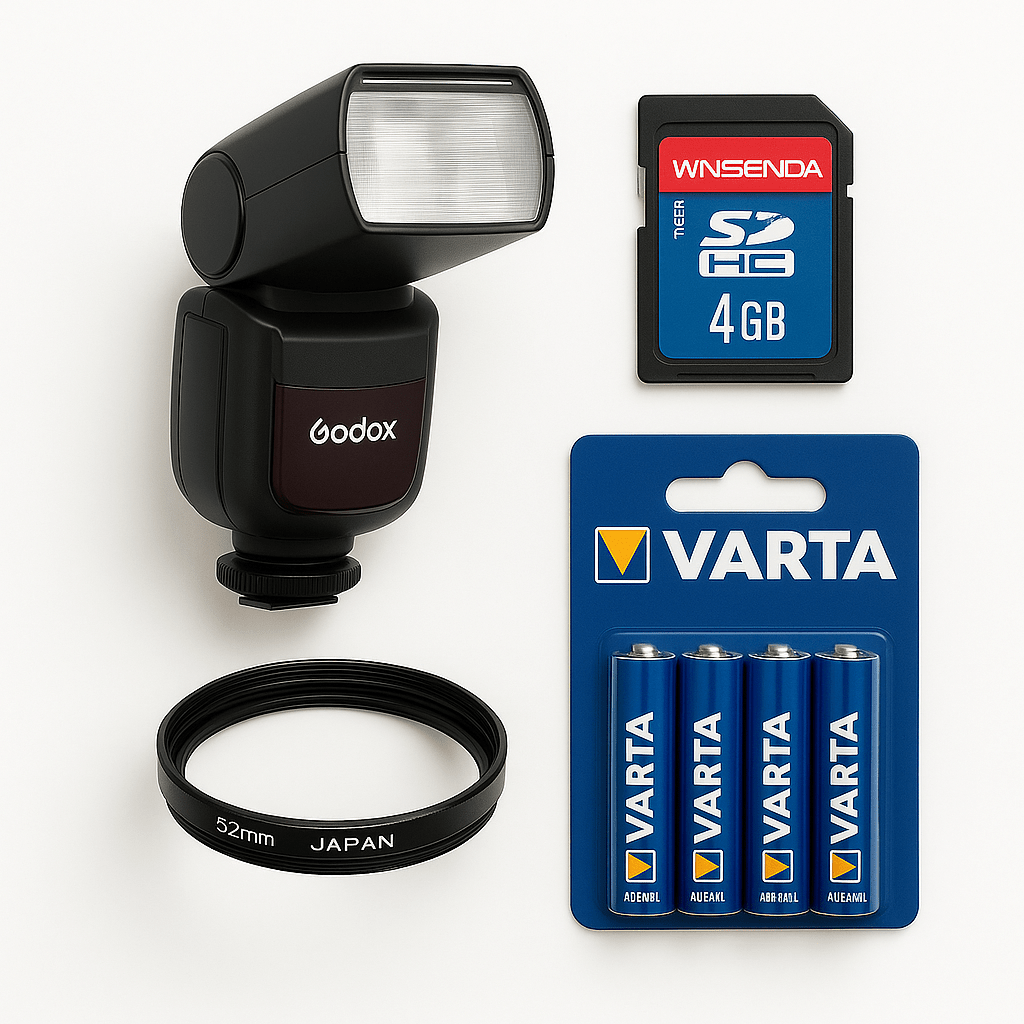
Check that the VW-VBJ10 battery still holds a reasonable charge. If it drains rapidly, factor in the cost of a replacement. Extra SD cards, a simple mini tripod, and a wrist or waterproof strap are practical additions that extend the camcorder’s life and usefulness.
At DutchThrift, we focus on second-hand gear that still has meaningful life left in it, from rugged camcorders to everyday digital compact cameras and essential photography accessories.
Creative Ways to Use the SDR-SW20 Today
Lo-fi storytelling and vlogs
The SDR-SW20 is perfect for vlogs, road-trip diaries, and “day in the life” videos where imperfection adds character. The compact size makes it unobtrusive, so people act more naturally when you point it at them.
Family archives and travel notebooks
Because it’s small and rugged, this camcorder excels as a family camera or travel companion. Think kids playing in the garden, rainy city walks, or weekends away — all recorded without nervous glances at an expensive, fragile camera.
Hybrid workflows with modern cameras
Pair SDR-SW20 footage with clips from your main camera or phone for projects that contrast clean and gritty visuals. Use the SDR-SW20 for establishing shots, B-roll, or flashback sequences that instantly feel like memories.
FAQs
Is the Panasonic SDR-SW20 still worth buying in 2025? Yes — it’s affordable, durable, and offers a uniquely nostalgic aesthetic for creators who want an authentic early-digital video look.
Can SDR-SW20 footage be edited on modern computers? Absolutely. Convert .MOD files to .MP4 using FFmpeg, and they’ll import smoothly into most modern editing programs.
What accessories are essential for this camcorder? Spare VW-VBJ10 batteries, SD cards, and a mini tripod or waterproof strap are useful additions for stable, long sessions.
How durable is a used SDR-SW20 unit? With intact seals and a functional battery, even used models remain robust for casual outdoor or travel shooting.
Ready to give your videos a different character? Explore our curated selection of second-hand digital camcorders, compact cameras, and accessories at DutchThrift and find gear with stories still left to tell.