



A Snapshot of Early 2000s Digital Craft
The HP Photosmart 735 sits firmly in the early‑2000s wave of compact digital cameras. With its 3.2‑megapixel CCD sensor, chunky silver body, and simple controls, it was built for everyday snapshots long before “retro digital” became a trend.
Today, that era’s quirks are exactly what make the Photosmart 735 so interesting for modern creators. Its images lean into a distinct lo‑fi feel: crisp enough for web and small prints, but never clinically perfect. Soft corners, visible noise, and early JPEG rendering give photos a character that’s hard to replicate with current phones or high‑resolution mirrorless bodies.

Using a camera like this slows you down in the best way. Menus are basic, options are limited, and the LCD is small, which nudges you to anticipate moments instead of endlessly reviewing them. That constraint can be surprisingly freeing, especially if you’re used to the constant stream of options on modern devices.
I still remember borrowing my first early digital camera: the shutter lag, the grainy LCD, and the way highlights would blow out without warning. Those imperfections forced me to look for good light, cleaner backgrounds, and stronger compositions — skills that stuck far longer than any megapixel upgrade.
The Technical Character Behind Its Unique Look
On paper, the HP Photosmart 735 is straightforward: a compact point‑and‑shoot with a built‑in zoom lens and modest sensor. In practice, the way its hardware and processing interact gives your photos a very specific fingerprint.
CCD sensor charm and color quirks
The small CCD sensor delivers a classic early‑digital palette: slightly muted colors, cool‑leaning tones, and a tendency to clip bright highlights. Under soft daylight, this combination creates images that feel both nostalgic and surprisingly cinematic, especially when paired with everyday scenes and simple compositions.
Lens behavior and zoom limitations
The built‑in zoom lens is at its best in the middle of its range. Extreme wide or tele settings can introduce softness and fringing, but those flaws can work in your favor if you’re embracing a lo‑fi aesthetic. Keeping the zoom modest helps maintain sharpness in the center and keeps distortion under control.

JPEG compression and texture
The camera writes JPEGs with visible compression, especially in flat areas like skies and walls. Instead of fighting this, lean into it. Those subtle blocks, halos, and textures are part of what defines early‑digital charm — the kind of look filter packs try to imitate today.
Creative Uses for the Photosmart 735 Today
In 2026, a 3.2‑megapixel camera may sound limited, but those limits can spark some of your most interesting work. The HP Photosmart 735 is ideal for personal projects, social media series, and mixed‑media experiments.
Lo‑fi street and everyday diaries
The unobtrusive size and simple interface make it great for daily walks, commutes, and casual documentary work. You can shoot freely without worrying about filling massive memory cards or sorting huge RAW files later.
Monochrome, collage, and texture‑driven art
Converting Photosmart 735 files to monochrome brings out their grain and tonal quirks in a striking way. Pair that with digital texture overlays or printed collages to create zines, postcards, and wall art that celebrate imperfection.
Practical tips for getting the best look
- Shoot in daylight for best results.
- Embrace JPEG compression artifacts.
- Try monochrome conversions for artistic effect.
- Use limited zoom to refine composition.
- Experiment with texture overlays in post.
Completing the setup with simple photography accessories — like a wrist strap, small pouch, or card reader — keeps the workflow smooth and portable. It is a refreshing contrast to bigger, more complex systems.
What to Check When Buying a Used Photosmart 735
Because the HP Photosmart 735 is a vintage compact, a quick inspection goes a long way toward ensuring a good experience. Most issues are easy to spot if you know what to look for.
Essential functional checks
- Inspect battery compartment for corrosion.
- Test zoom motor for smooth operation.
- Check LCD brightness and clarity.
- Confirm SD card compatibility (non‑SDHC ≤2 GB).
- Verify image write and playback functions.
Also check buttons for responsiveness and look over the lens for scratches or haze. Minor cosmetic scuffs are normal on a camera of this age, but optical and electronic issues can be harder to work around.
If you prefer a curated selection, browsing a dedicated point‑and‑shoot collection is a convenient way to find a Photosmart 735 or similar models that have already been checked over.
Sustainable Creativity with Vintage Digitals
Choosing an HP Photosmart 735 in 2026 is not just a stylistic decision; it is also a sustainable one. Keeping older digital cameras active extends their lifespan, reduces electronic waste, and lets you explore new aesthetics without new manufacturing impact.
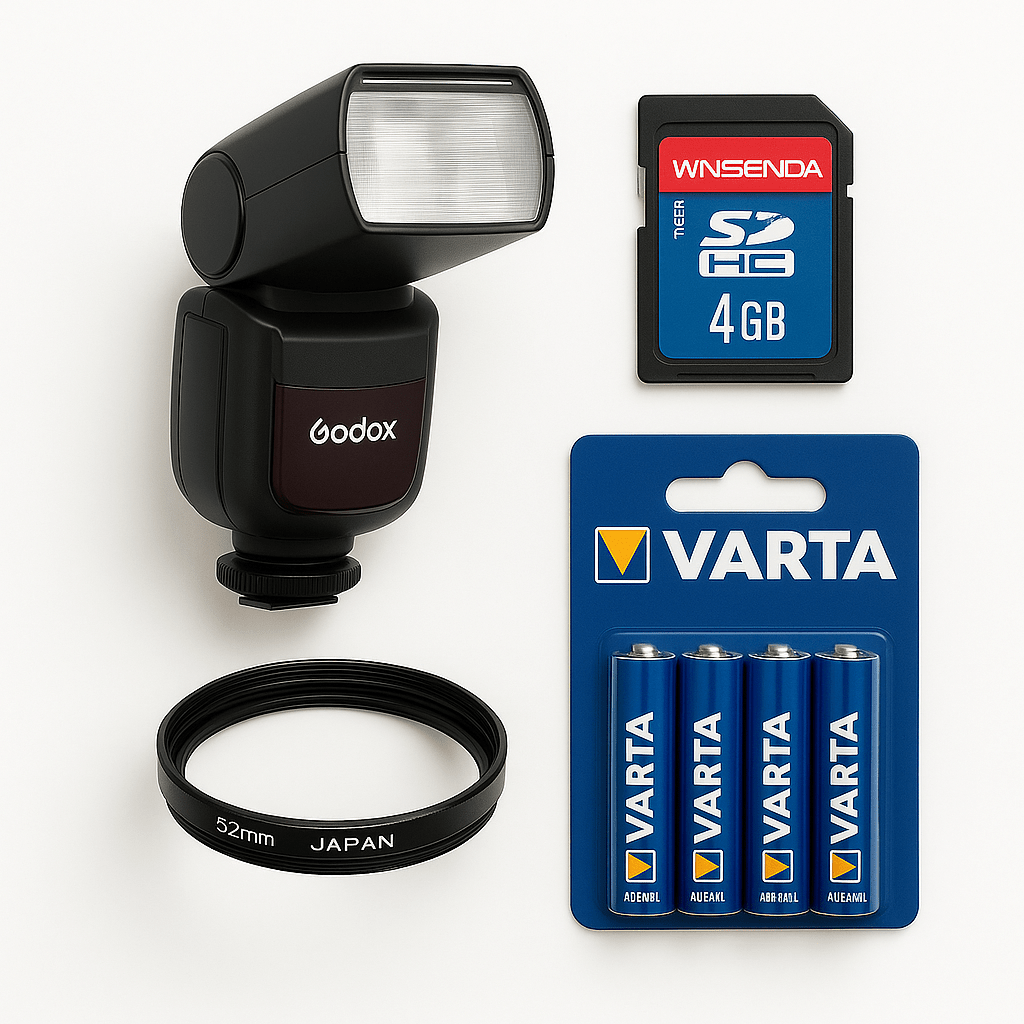
The camera’s use of standard AA batteries and simple SD storage means you can rely on accessories that are widely available and reusable. With a set of good rechargeables and a small SD card, you have a complete, low‑impact kit that can travel anywhere.
In a world of constant upgrades, vintage digital gear invites a slower, more intentional approach. Each project becomes less about chasing technical perfection and more about seeing differently — something the HP Photosmart 735 is surprisingly good at encouraging.
FAQs
Can I still use SD cards with the HP Photosmart 735? Yes. The camera supports standard SD cards (not SDHC) up to 2 GB. For best compatibility and reliability, format the card in‑camera before shooting.
What type of batteries work best in the Photosmart 735? Quality NiMH AA rechargeable batteries are ideal. They offer longer life than disposable alkalines, reduce waste, and keep the camera ready for regular use.
Is the HP Photosmart 735 worth buying in 2026? Yes, if you value lo‑fi digital texture and vintage charm over sheer resolution. It is an affordable way — often under $30 used — to explore early‑digital aesthetics and experiment creatively.
What makes the HP Photosmart 735 unique? Its small CCD sensor, built‑in zoom lens, and early‑2000s JPEG processing combine to produce distinct colors, gentle softness, and nostalgic imperfections that stand out from modern, ultra‑clean files.
Ready to explore early‑digital character for yourself? Browse our curated digital cameras and discover more compact gems like the HP Photosmart 735 waiting for a second creative life.